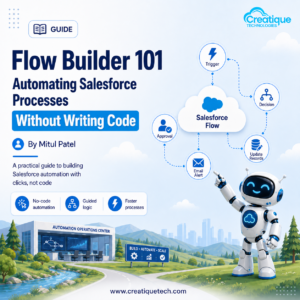
A sales manager asks for one small thing: when a deal closes, can someone on the team get notified automatically instead of finding out three days later in a status meeting? It sounds like a job for a developer. It isn’t. It’s a job for Flow.
Flow Builder is the tool most Salesforce orgs already have and most teams underuse, because it gets mistaken for something that requires a technical background to touch.
What Flow Actually Is
Flow Builder is Salesforce’s point-and-click automation tool. You define a trigger, a series of steps, and any conditions in between, and Salesforce carries it out every time the trigger happens. No Apex code, no developer sprint, no waiting on an IT backlog for something this small.
It replaced the older Process Builder and Workflow Rules tools, and it’s now the recommended way to build automation inside Salesforce for anything short of genuinely complex custom logic.
The Kinds of Problems Flow Actually Solves
Before diving into how it works, it helps to see what it’s for. A few examples we see constantly in manufacturing and B2B orgs:
→ Automatically assign a new lead to the right rep based on territory or product line → Send an internal notification when an opportunity moves to “Closed Won” → Update a related record when a case is marked resolved, like closing out a linked warranty claim → Populate default values on a new record based on what type of account it belongs to → Kick off an approval process when a discount above a certain threshold is requested
None of these need custom code. All of them used to require either a developer or a rep manually remembering to do the step themselves.
The Building Blocks of a Flow
Every flow, no matter how simple or complex, is built from the same basic pieces.
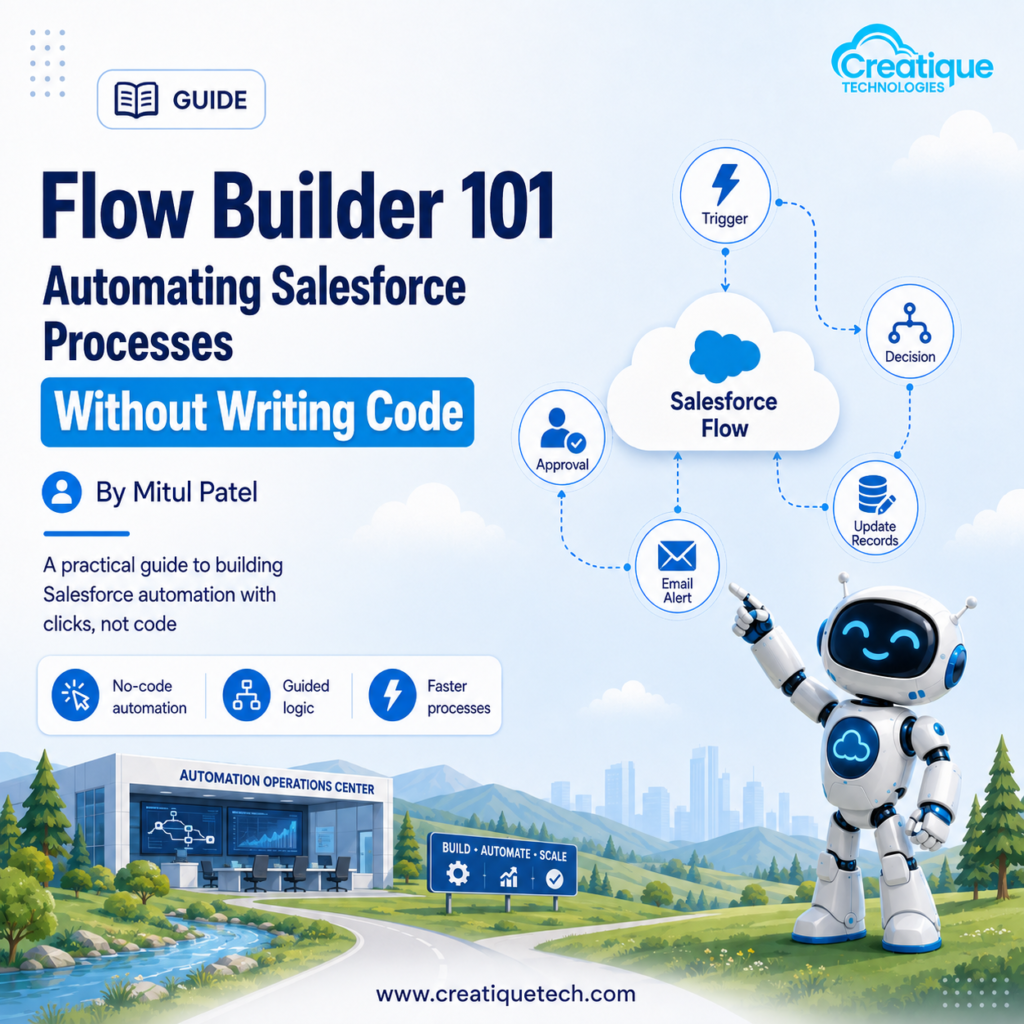
Trigger. What starts the flow. This could be a record being created or updated, a scheduled time, a button click, or a screen a user interacts with.
Elements. The individual steps inside the flow. This includes things like updating a record, creating a new one, sending an email, or checking a condition before deciding what happens next.
Decision logic. Most real automation isn’t a straight line. A decision element lets the flow branch: if the deal is over a certain size, do this; otherwise, do that.
Variables. These hold information temporarily while the flow runs, like the ID of the record that triggered it, so later steps can reference it.
Once you can read a flow in terms of these four pieces, even a complicated-looking one becomes easier to follow.
The Flow Types You’ll Actually Use
Salesforce offers a few different flow types, and picking the right one matters more than people expect.
Record-triggered flow. Runs automatically when a record is created, updated, or deleted. This covers the majority of day-to-day automation, like the closed-won notification example above.
Screen flow. Walks a user through a guided, multi-step form. Useful when a process needs human input partway through, like a rep filling out a structured discount request.
Scheduled flow. Runs on a set schedule, daily or weekly, rather than in response to an event. Good for things like flagging opportunities that haven’t been touched in 30 days.
Autolaunched flow. Runs in the background, often triggered by another flow, an Apex class, or an external process. This is where more advanced integrations tend to live.
Most teams starting out will spend nearly all their time in record-triggered and screen flows. The other two become relevant as your automation needs grow.
A Simple Example, Start to Finish
Take the closed-won notification example. The flow looks roughly like this:
- Trigger: an opportunity record is updated
- Decision: check if the stage field just changed to “Closed Won”
- Action: if true, send an email or Slack notification to the account owner and their manager
- Action: update a related field, like setting a “handoff to fulfillment” checkbox to true
That’s a complete, working piece of automation, built entirely with clicks. No code, no deployment process, no developer involved.
Where Flow Fits Alongside Other Salesforce Tools
Flow isn’t the only automation option in Salesforce, and knowing when to reach for something else matters.
If you’re already running Salesforce CPQ, Flow is often what triggers the approval routing behind a discount request. If you’re working with Agentforce, Flow is frequently the mechanism an agent actually uses to update a record or kick off a process once it’s decided what needs to happen. Flow is rarely the whole solution, but it’s very often the piece connecting everything else together.
For truly complex logic, heavy data processing, or anything needing extensive error handling, Apex is still the right tool. Flow is best treated as the default choice, with code reserved for the cases that genuinely need it.
Common Mistakes When Building Flows
Building one giant flow instead of several focused ones. A flow that tries to handle every possible scenario for an object becomes difficult to troubleshoot. Smaller, well-scoped flows are easier to debug and easier to hand off to someone else later.
Skipping fault paths. Every element that can fail, a record update, an email send, needs a defined path for what happens if it doesn’t work. Without this, a failure can leave data in a half-updated state with no clear record of what went wrong.
Not testing with real data variety. A flow that works fine in testing can break the moment it hits a record with a blank field or an unexpected value. Test with edge cases, not just the clean example.
Forgetting bulk behavior. Flows need to handle situations where hundreds of records are updated at once, not just one at a time. This is one of the more common places new flow builders get tripped up.
Getting Started
Pick one small, real annoyance, something your team currently does manually and complains about, and build a flow for just that. Don’t start with your most complicated process. Start with the one where success is easy to see and easy to explain to the people who’ll benefit from it.
Once that one is running reliably, the next one goes faster, because you’re no longer learning the tool and solving the problem at the same time.
Final Word
Flow Builder puts real automation in the hands of admins, not just developers. For most of the repetitive, rule-based work that eats up a sales or service team’s day, it’s not just capable enough, it’s the right tool for the job. The teams getting the most out of Salesforce aren’t the ones with the most custom code. They’re the ones who automated the small, constant things first.
Want Help Automating Your Salesforce Processes?
At Creatique Technologies, we help teams identify the manual work worth automating and build flows that actually hold up under real usage, not just in a demo.
Book a free automation review with our team today.